Front Desk Solutions
For Full Serviced Hotels
Guest Experience
- Room RequestTowels, toiletries, amenities — without picking up the phone.
- In-room DiningQR-led ordering with kitchen and POS integration.
- Digital CompendiumHotel info, FAQs, and city guide on every guest's phone.
- Facility BookingSpa, gym, meeting rooms — bookable from in-room QR.
- Upsells & PromotionsAI-recommended cross-sells priced for your property.
- Contact

Three channels, one schedule
Pick the channel that suits each market and let the scheduler take it from there. Every channel pulls arrivals straight from your PMS, fires at the days you choose, and shares the same live-preview / save / test workflow — so marketing can iterate without engineering tickets.
- ✓ Email — branded HTML body with a real-time preview, test-send to your inbox, and per-property sender name and subject.
- ✓ WhatsApp — approved WhatsApp Business templates with variable highlighting; pick the template, set the days-before-arrival, hit save.
- ✓ SMS — short-form template with live segment counter (GSM-7 / UCS-2 aware) so you see encoding-driven length limits before you send.

Email cadence presets
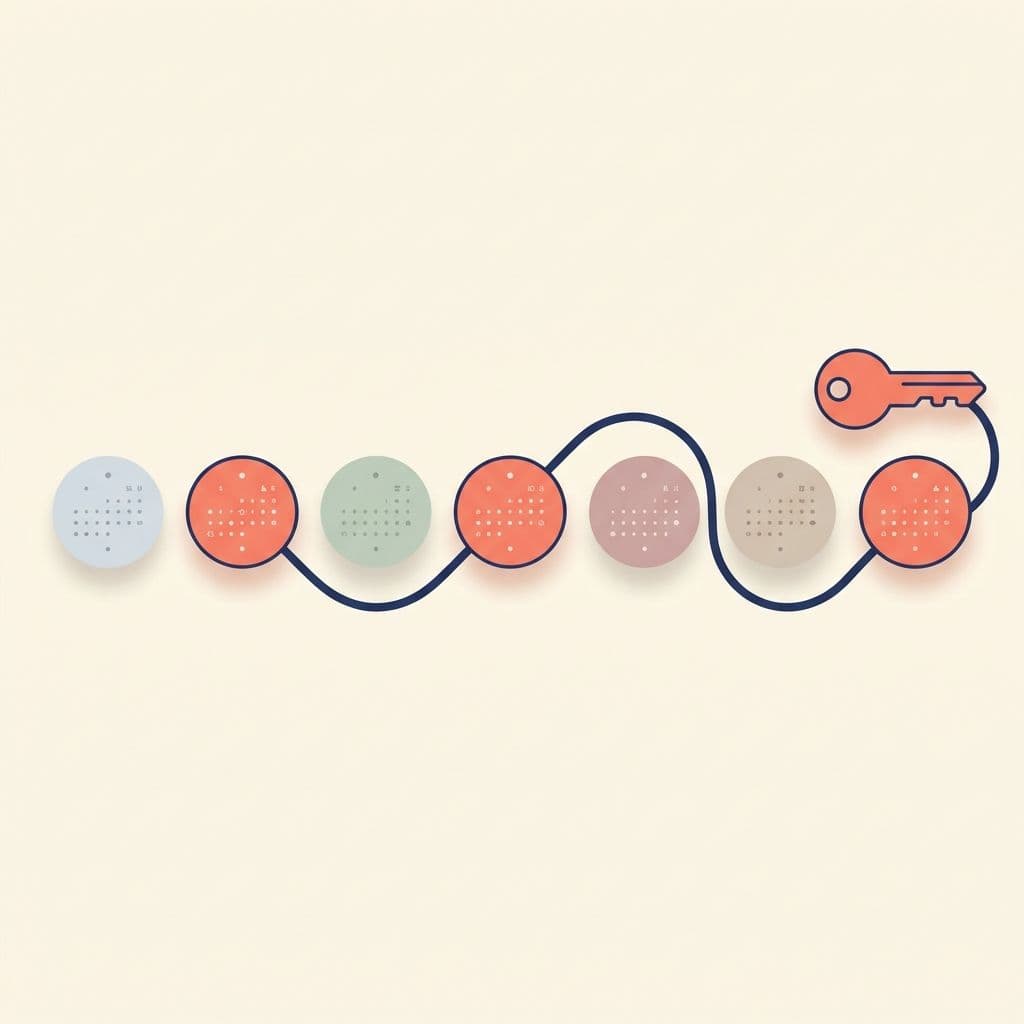
Configure when emails go out per-property. Pick a preset to auto-fill common schedules, or build a custom sequence on any day from 1 to 30 before arrival. Send time defaults to 10:00 AM in the property's local timezone.
- ✓ Standard — 7, 3, and 1 days before arrival. The default.
- ✓ Extended — 14, 7, 3, and 1 days. Resorts, long-stay, international.
- ✓ Minimal — 1 day before arrival. High-frequency or last-minute markets.
- ✓ Custom — any combination of days from 1 to 30 before arrival.
Personalised by default
Drop placeholders into any channel's body and the scheduler fills them at send time from the PMS reservation. Variables are shared across email, WhatsApp, and SMS so a single content brief drives all three.
- ✓ Guest — full name, first name, last name, salutation, email, phone.
- ✓ Reservation — confirmation number, arrival and departure dates, room type, room number.
- ✓ Property — hotel name, address, sender display name.
- ✓ Action links — pre-arrival check-in link and self check-in link, each with or without the confirmation embedded.
How it works
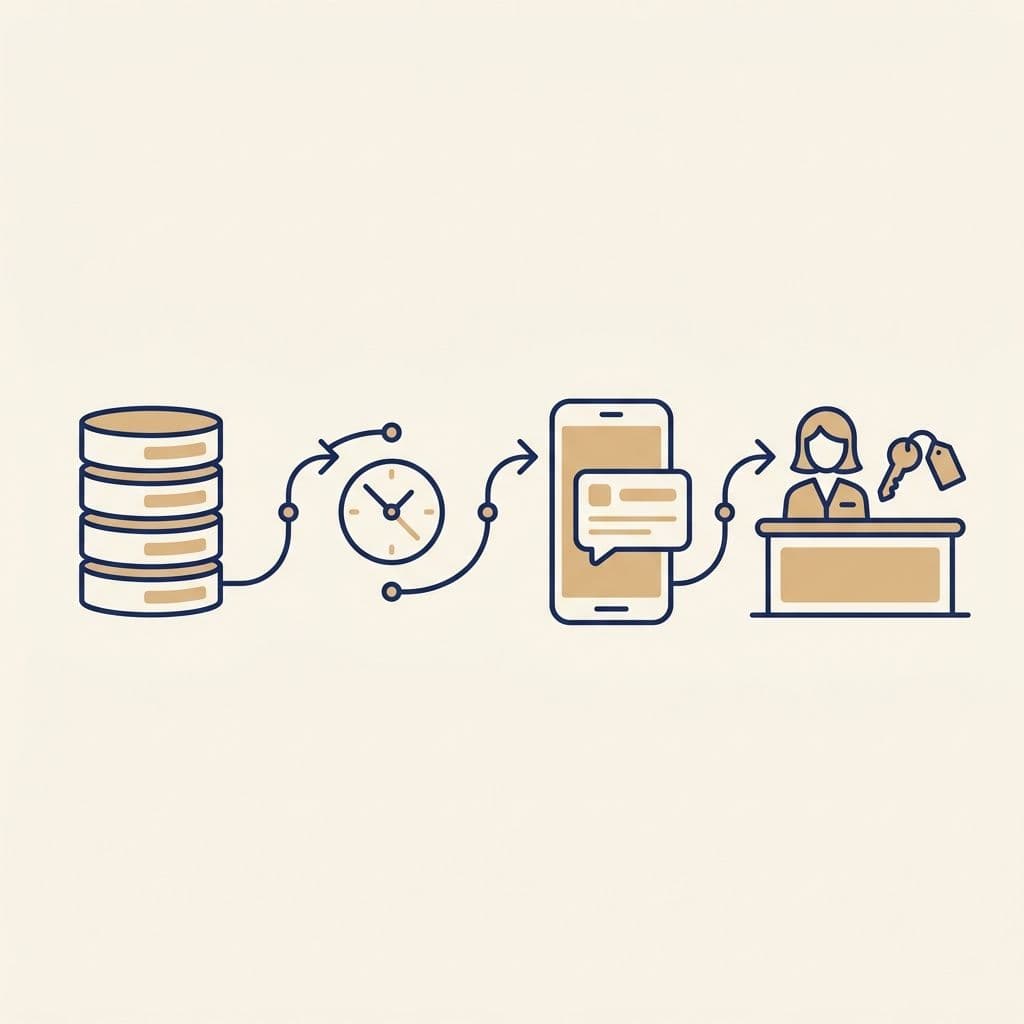
Once a night, the scheduler scans your PMS for upcoming arrivals that match your filters and queues each channel at its configured local send-time. Cancelled bookings drop out automatically. The check-in record is pre-created the moment a message is scheduled, so the link works the second the guest taps it — no waiting on PMS round-trips at the lobby.
Targeting and integrations
Pre-Arrival reads arrivals straight from your PMS via Vouch's existing connectors. Filter by market segment or rate code so loyalty members, OTA bookings, and corporate rates each get their own template — or roll up everyone into one welcome.
- ✓ PMS — Oracle Hospitality (OHIP) and Cloudbeds today, with the same pipeline ready for additional connectors.
- ✓ WhatsApp — Bring your own WhatsApp Business Account; templates use approved Meta templates with multilingual support.
- ✓ Filters — target by market segment and rate code; cancelled reservations are excluded automatically.
- ✓ Audit trail — every send is logged on the arrival record with timestamp, success status, and provider message ID.
Why hotels rely on it
- ✓ Cuts lobby dwell time — most guests arrive already verified, with passport scan and registration card on file.
- ✓ Lifts pre-arrival upsell revenue — room upgrades, late check-out, transfers, F&B bundles surface at the moment the guest is most engaged.
- ✓ Reaches guests where they live — younger and APAC markets prefer WhatsApp; SMS stays the failsafe for guests who don't open email.
- ✓ Hands marketing the keys — every channel is template-driven with live preview, no code, no engineering tickets.