Front Desk Solutions
For Full Serviced Hotels
Guest Experience
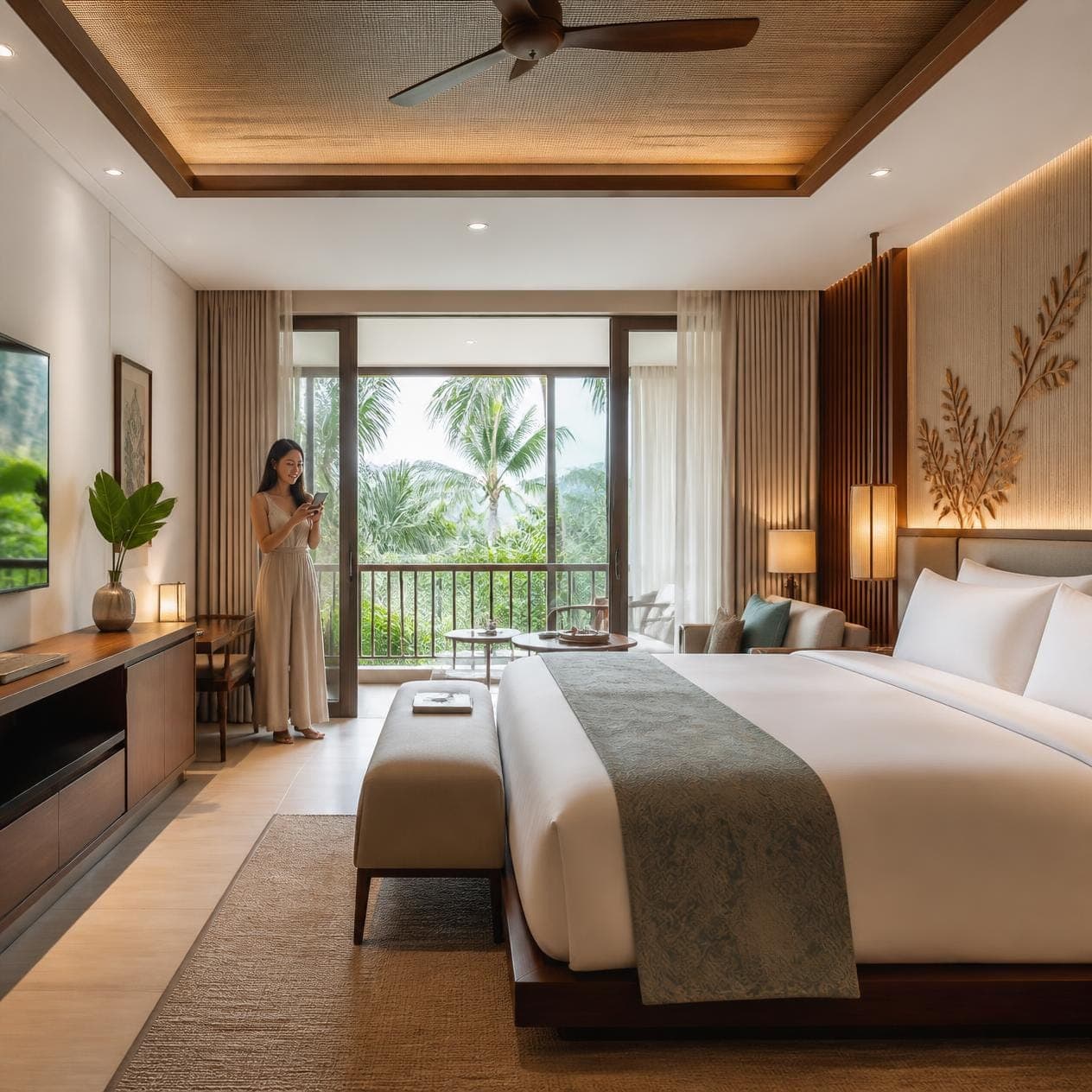
- Room RequestTowels, toiletries, amenities — without picking up the phone.
- In-room DiningQR-led ordering with kitchen and POS integration.
- Digital CompendiumHotel info, FAQs, and city guide on every guest's phone.
- Facility BookingSpa, gym, meeting rooms — bookable from in-room QR.
- Upsells & PromotionsAI-recommended cross-sells priced for your property.
- Contact
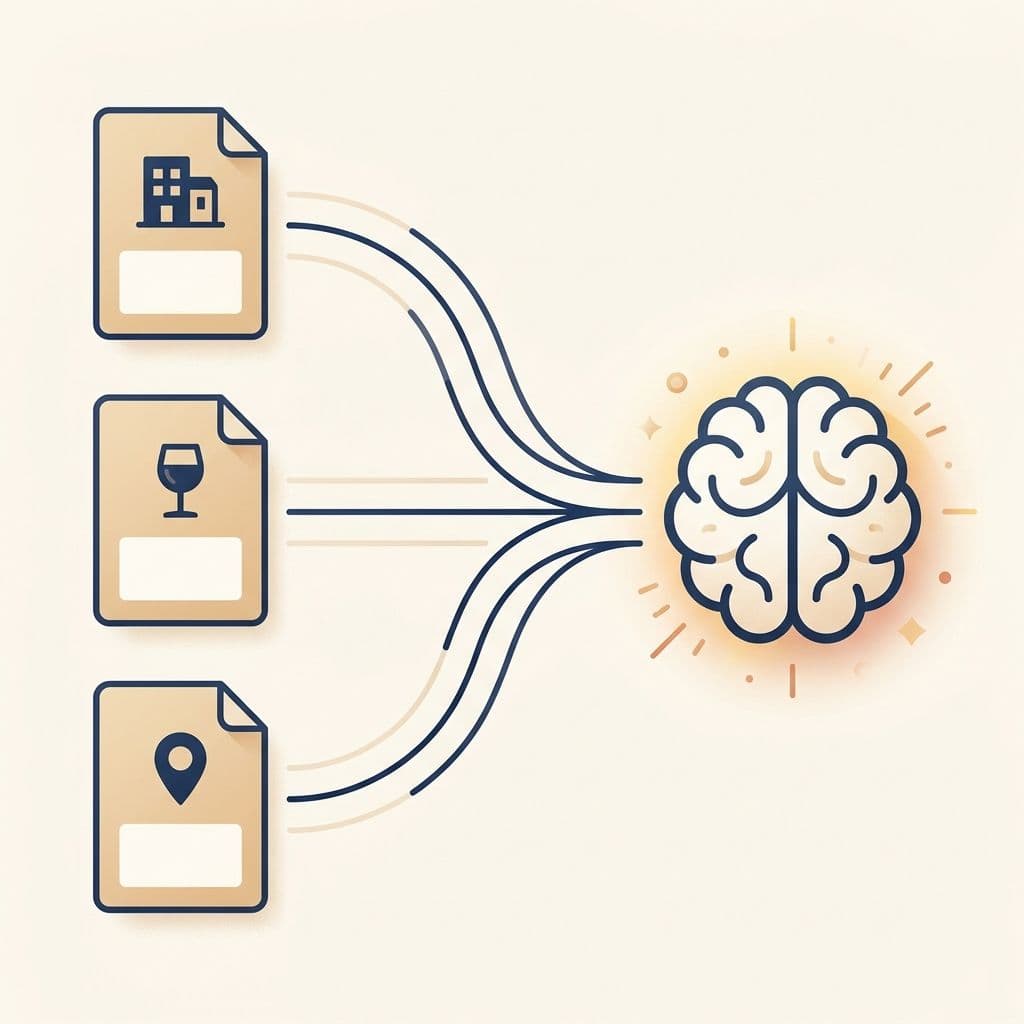
Trained on your hotel, not the open internet
Upload your hotel's PDFs — house rules, FAQ packs, area guides, in-room compendium, food-and-beverage menus — and the chatbot indexes them into a Retrieval-Augmented Generation (RAG) knowledge base. Replies are grounded in your own content, never the open internet.
- ✓ PDF uploads up to 6 MB per document, then queued for background indexing.
- ✓ Vector-status polling in the document library so editors see when a freshly uploaded file is queryable.
- ✓ Per-document enable / disable toggle — and bulk on/off and bulk delete — so old policies never bleed into new replies.
- ✓ Search the library to find a specific document before requesting an edit or replacement.
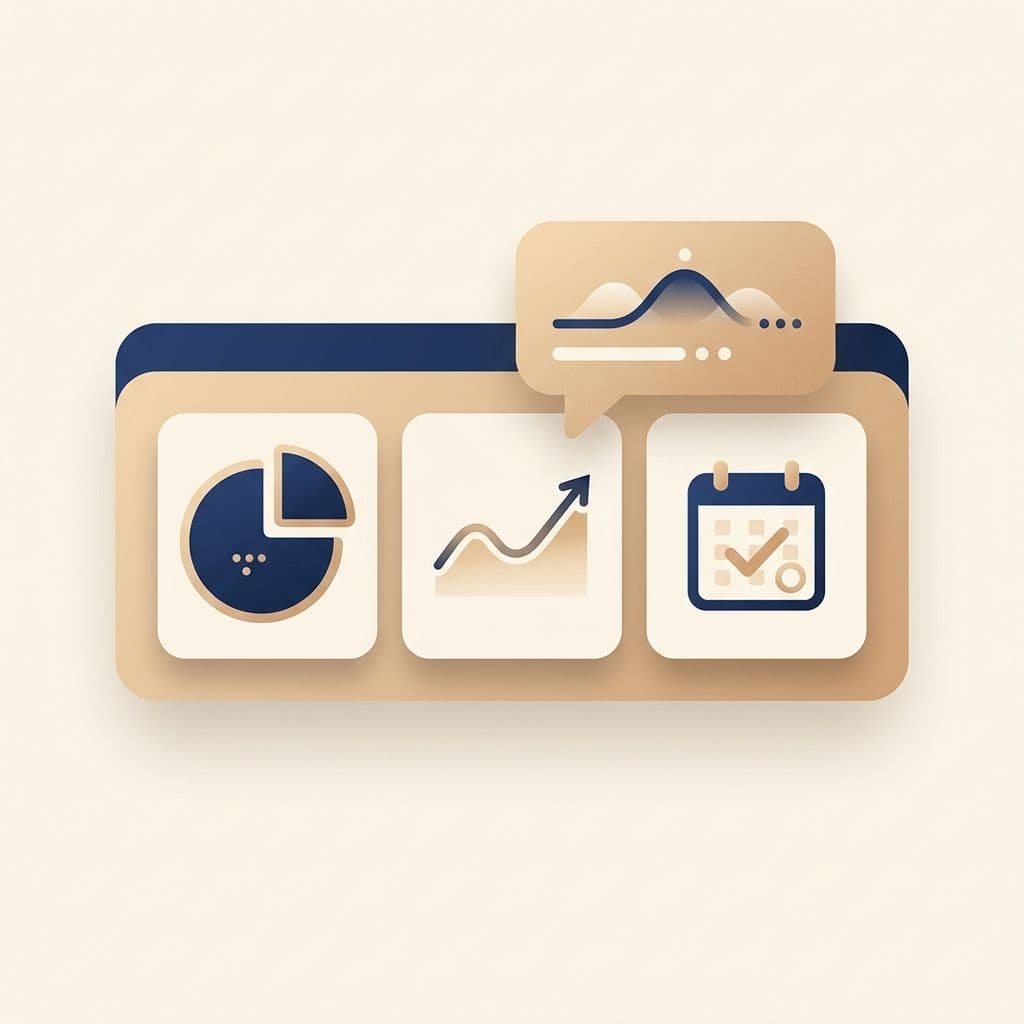
Hotel Insights Mode — live data when you need it
Flip a single toggle and the chatbot gets a function-calling interface into your reservation data — read-only — through real-time queries against the same dataset the front desk sees. The system prompt is explicit: never guess, never fall back to manual maths, only return what the functions actually returned.
- ✓ "Show me today's check-ins" — getCheckInsForToday().
- ✓ "How many reservations between 1 and 7 June?" — getReservationsByRange().
- ✓ "Who's checking out tomorrow?" — calculateHotelDate(1) into getCheckOutsForDate().
- ✓ "List the long-stay guests we have right now" — getStayOverGuests().
- ✓ "How should we staff next weekend?" — date functions, then reservation analysis, then staffing recommendation.
Two channels, one bot
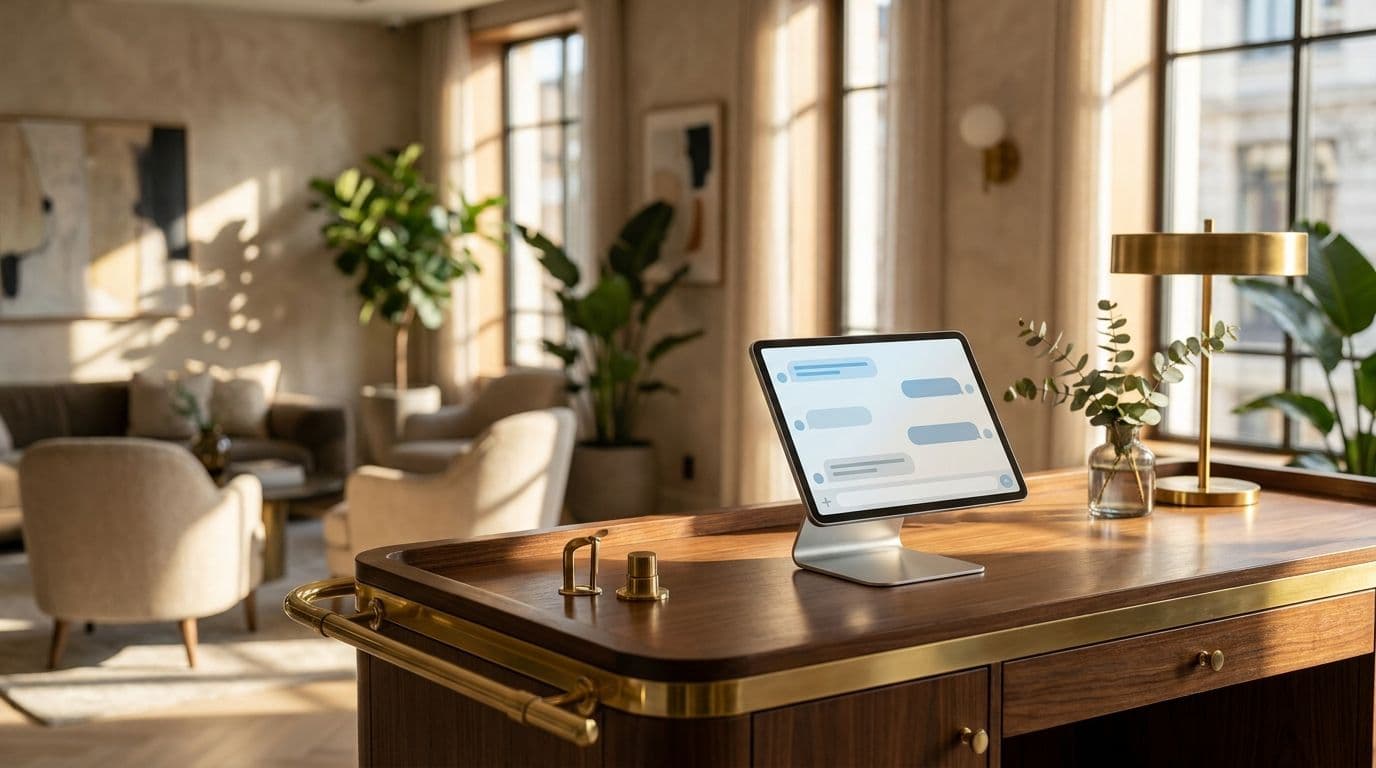
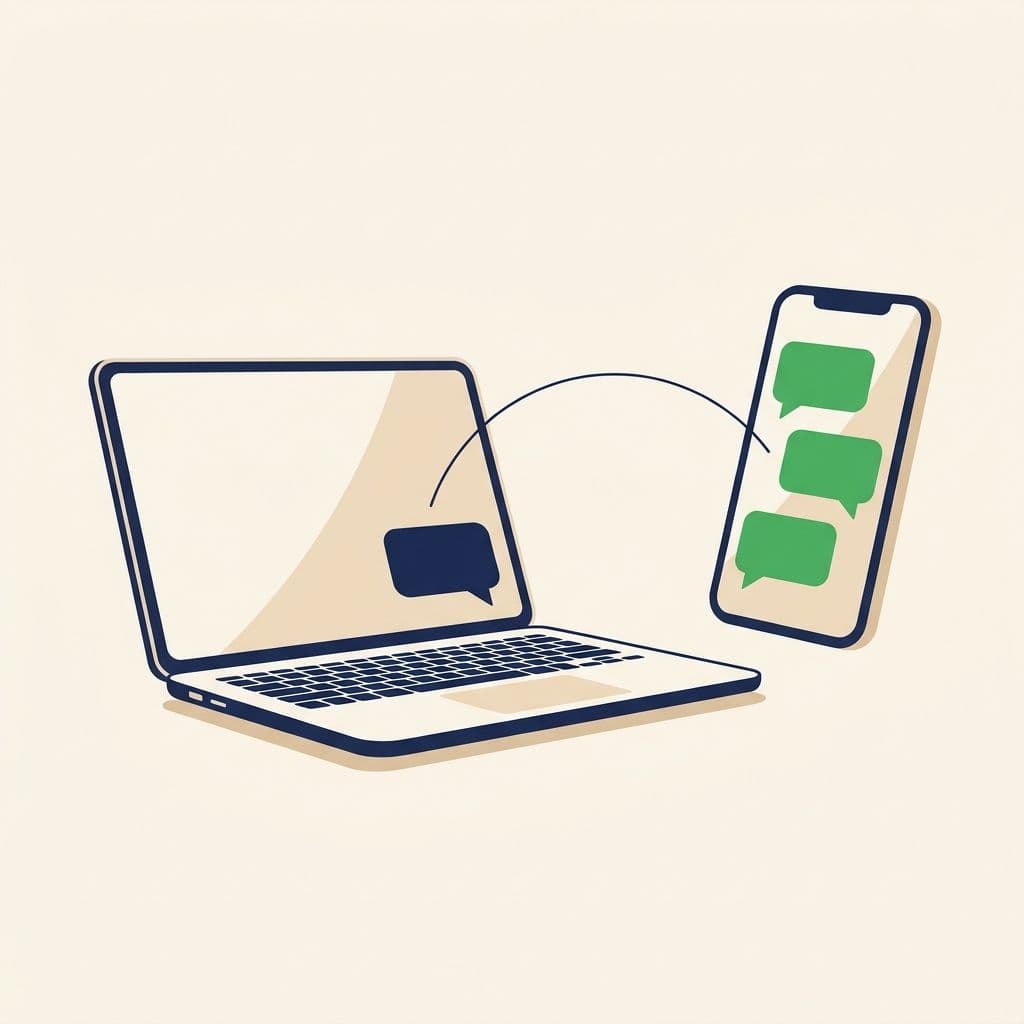
Deploy the same chatbot across your hotel website and WhatsApp Business — or roll it out on each individually. Live Chat surfaces conversations from both channels in one inbox with channel badges, so staff can take over from the bot mid-thread without losing context.
- ✓ Web Chat — embed the floating widget on any whitelisted domain, or use a hosted landing page Vouch generates for you.
- ✓ WhatsApp Business — bring your own WABA number; the bot replies inside the existing thread.
- ✓ Hybrid AI + human — per-conversation "AI replies" toggle in the Live Chat header for sensitive cases.
- ✓ Channel badges and unified history make it easy for one agent to cover both surfaces.
Brand-matched widget, no engineering tickets
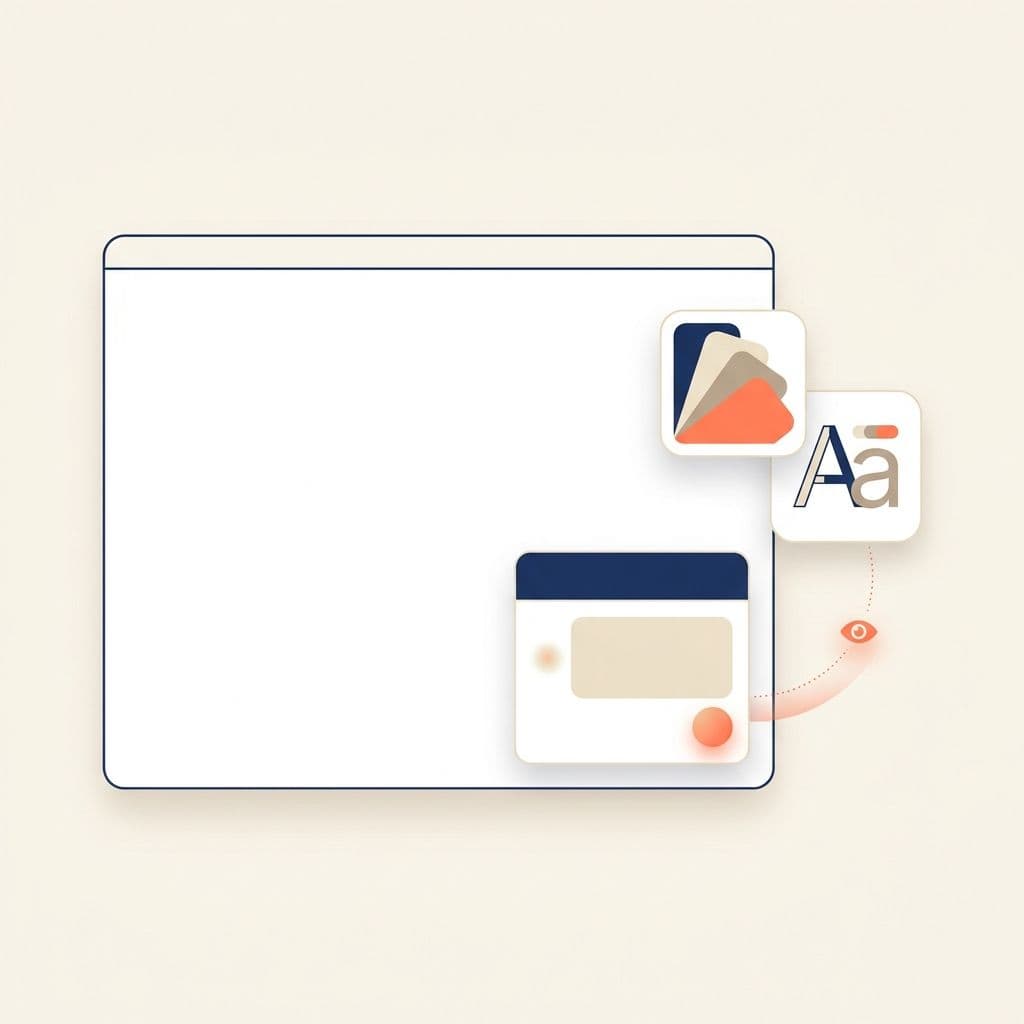
Marketing controls the entire widget — colour, typography, theme, welcome message, fallback answer, instruction prompt — with a live preview that mirrors what guests see. The Quick Setup wizard pulls existing hotel info from your settings and bootstraps a sensible default in seconds.
- ✓ Welcome message + default fallback answer (2,000 characters each) and bot instruction (up to 8,000 characters) for tone, escalation, and safety guardrails.
- ✓ Advanced LLM controls — temperature, top-p, and max output tokens — for teams that want to tune the response style.
- ✓ Per-property API keys, hosted landing pages with quick-download, and a domain whitelist so the widget only loads where you allow.
- ✓ Quick Setup wizard pulls hotel info from existing settings to draft messages and instructions automatically.
Why hotels rely on it
- ✓ Reduces guest-question volume hitting the front desk — answers are already in the knowledge base, available 24/7.
- ✓ Closes the loop between marketing copy and guest experience — the bot speaks in your tone, not a generic AI voice.
- ✓ Cuts dependency on long, manually curated FAQ pages — drop in a PDF, the bot has it.
- ✓ Operational lookups without leaving Slack or your phone — Hotel Insights Mode is the fastest way to query the PMS.