Front Desk Solutions
For Full Serviced Hotels
Guest Experience
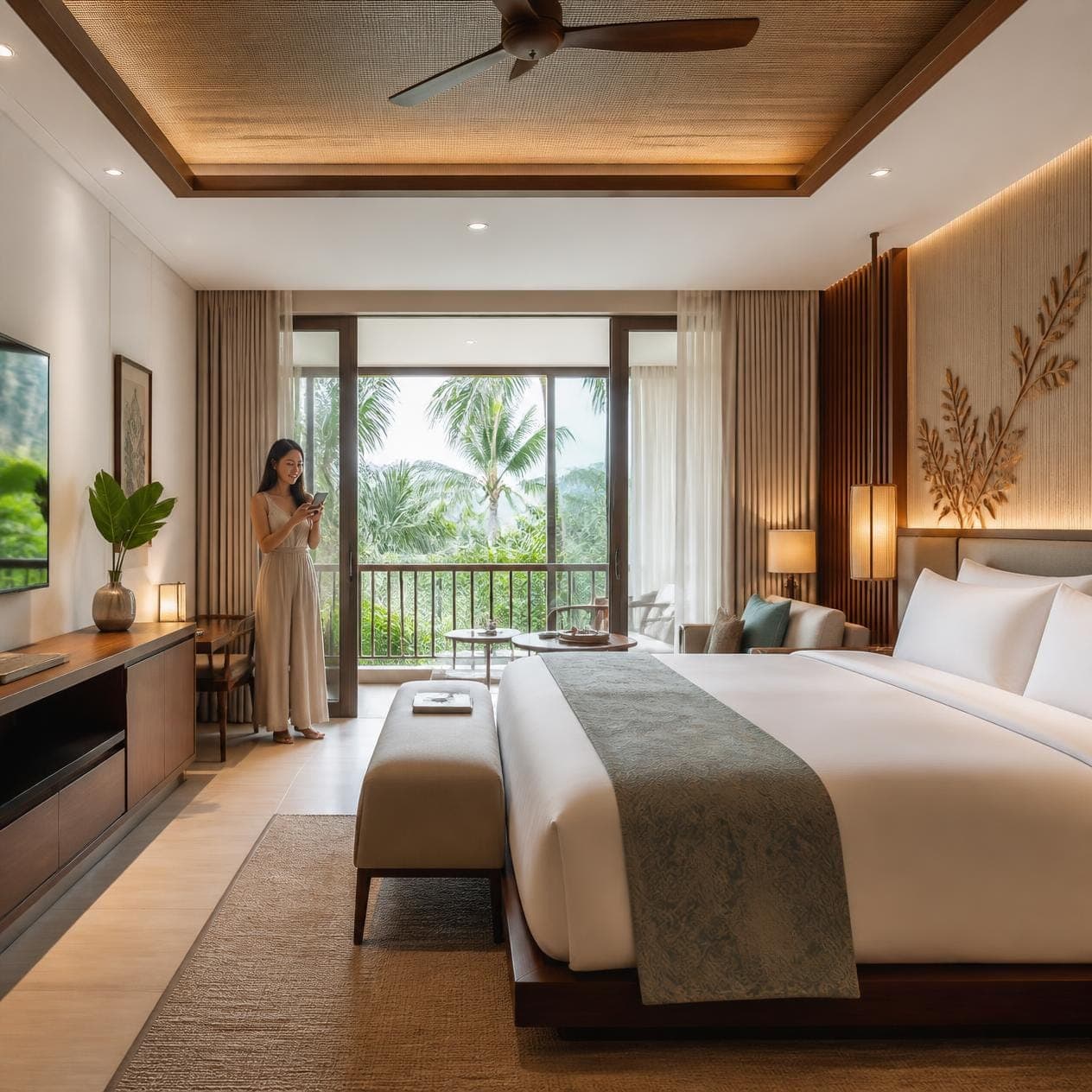
- Room RequestTowels, toiletries, amenities — without picking up the phone.
- In-room DiningQR-led ordering with kitchen and POS integration.
- Digital CompendiumHotel info, FAQs, and city guide on every guest's phone.
- Facility BookingSpa, gym, meeting rooms — bookable from in-room QR.
- Upsells & PromotionsAI-recommended cross-sells priced for your property.
- Contact

See it in action
How to Sign Up
Hotel operators can access Vouch GEP through three pathways: contacting the company via their website, booking a demonstration, or requesting integration directly through the Cloudbeds marketplace.
Initial Connection — From Cloudbeds
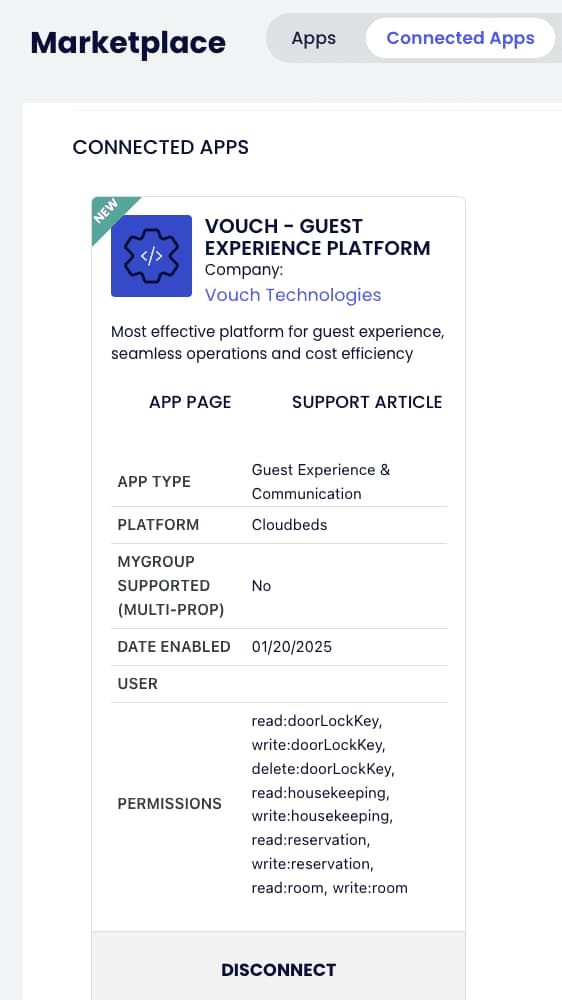
- ✓ Search for “Vouch – Guest Experience Platform” in the Cloudbeds Marketplace.
- ✓ Connect and authorise API access.
- ✓ Vouch receives an email notification with the generated API key.
- ✓ A sales representative initiates contact.
- ✓ Upon contract completion, the deployment team configures credentials and conducts testing.
Initial Connection — From Vouch
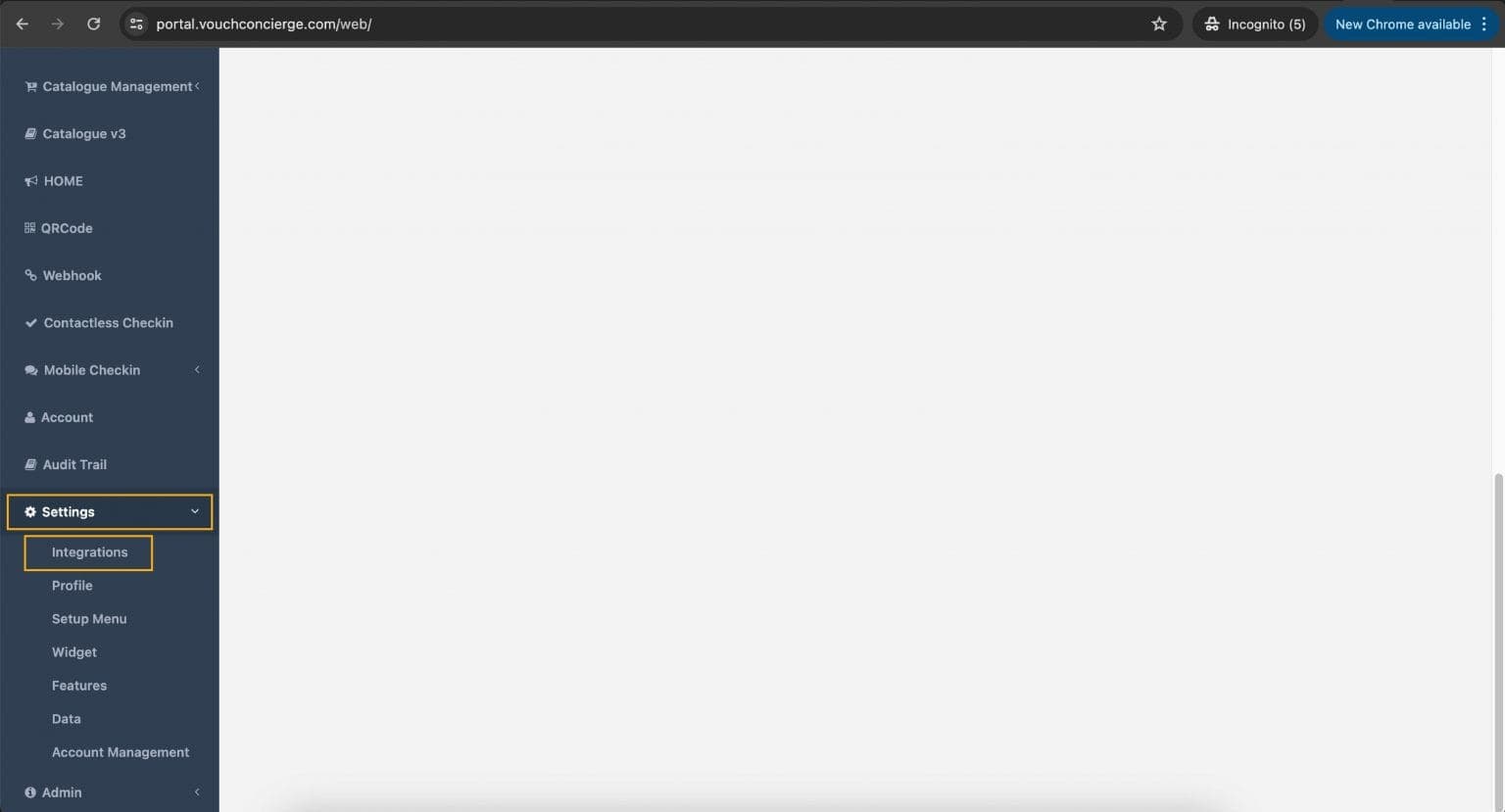
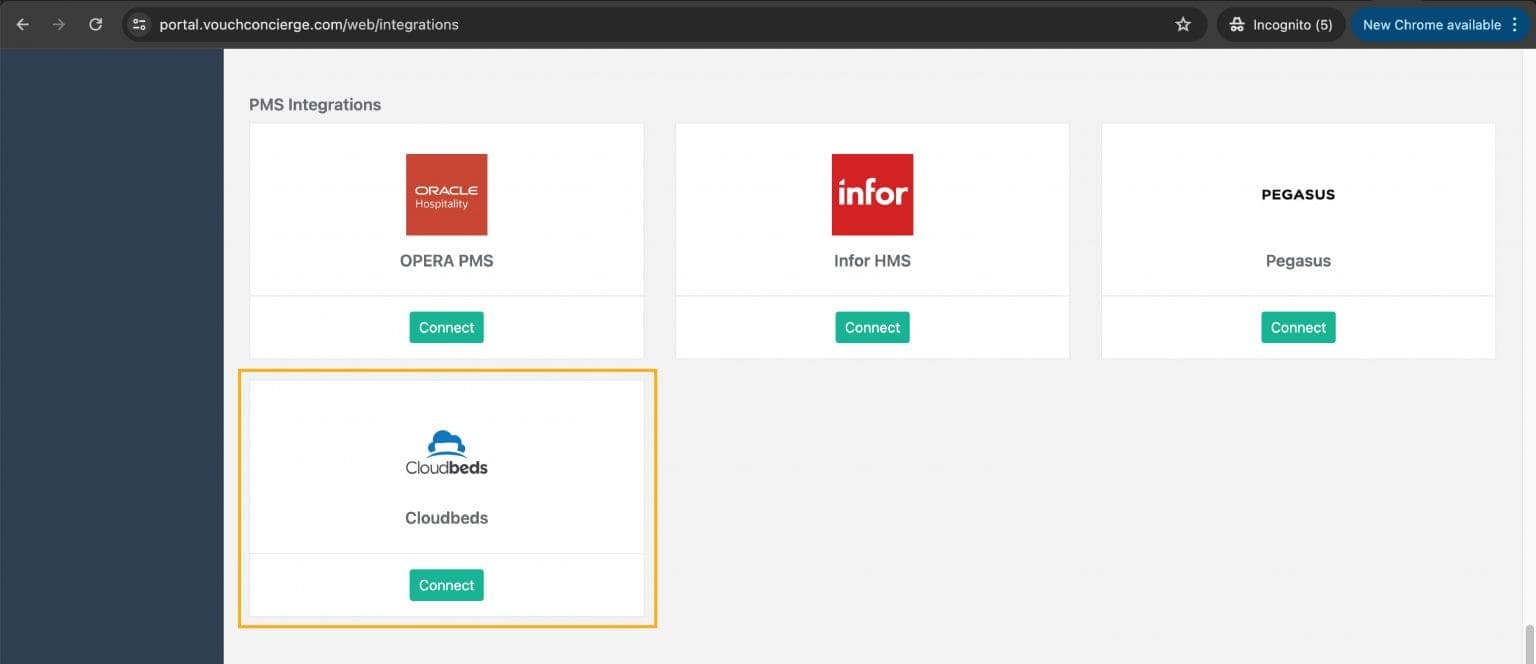
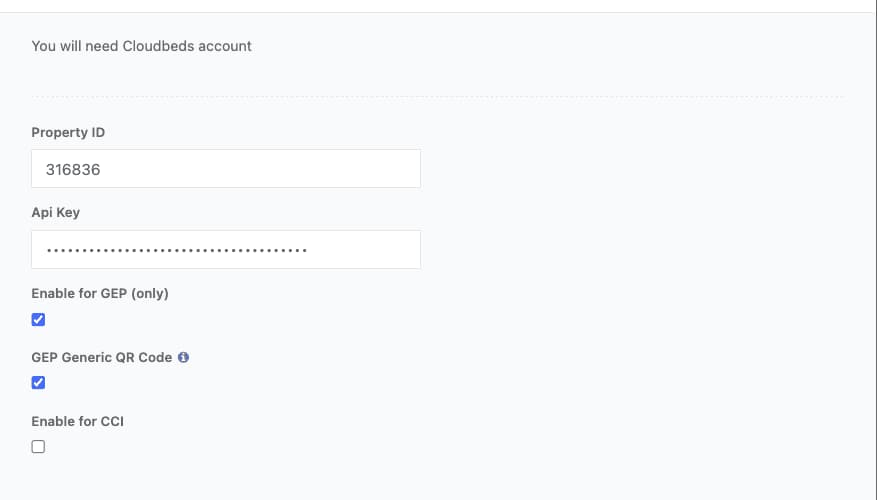
- ✓ Navigate to Settings > Integrations.
- ✓ Input Property ID and API key from Cloudbeds.
- ✓ Enable GEP and Generic QR Code options.
- ✓ Save configuration.
Key Features
The integration offers one-way connectivity that retrieves guest data from Cloudbeds, allowing guests to submit room requests and dining orders from occupied rooms when names match registrations.
Disconnection
Users can disconnect from either platform — via Vouch's Integration settings or Cloudbeds' Connected Apps tab.
Support & FAQs
Support contact: success@vouch-technologies.com. Vouch does not support Cloudbeds Group Accounts; multi-property setups are managed within Vouch's portal.